How long you hold tables, how long parties stay — the clock the floor and the reservation screen both run on.
2 minManagers & owners
In short
Settings ▸ Service timing → set the turn times for each party size → Save timing.
One set of numbers with two jobs: it colours the floor (when tables turn blue, when timers turn amber) and it works out how many reservations fit into a night. Because both read the same numbers, the floor and Book always agree.
Looking for how fast each service fills, or when the last reservation is? That's Pace your service.
1
Open Settings, then Service timing
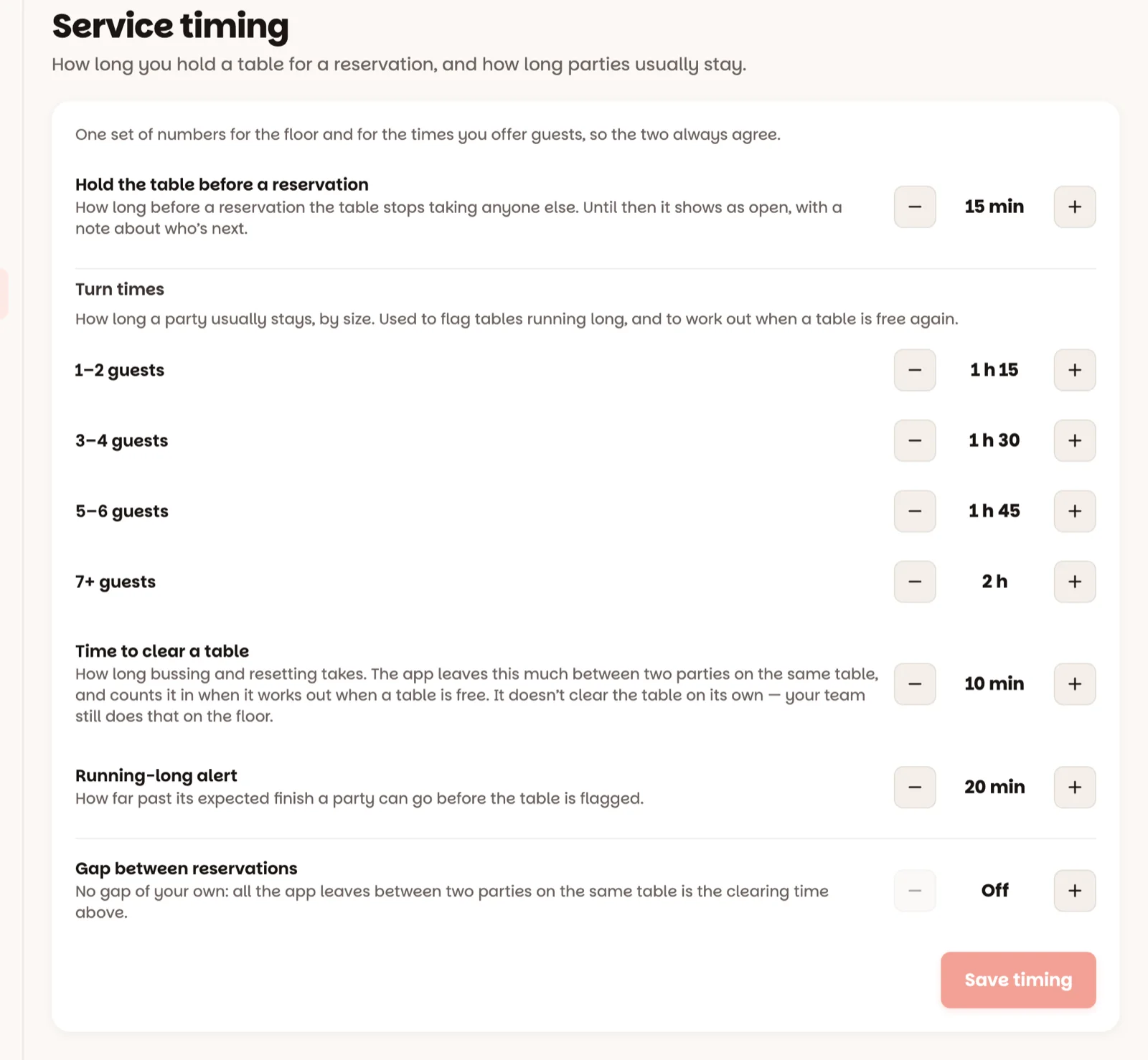
Every value moves in 5-minute steps. Here's what each one means at the host stand:
Hold the table before a reservation — how long before a reservation its table turns blue on the floor. Until then it stays green with a small clock, so it can keep turning. 15 minutes out of the box.
Turn times — how long a party usually stays, by size: 1–2 guests, 3–4 guests, 5–6 guests, 7+ guests. This is what turns a timer amber, and what decides how many reservations a night can take. Bigger parties can't be given less time than smaller ones — the screen won't save it.
Time to clear a table — minutes to clean and reset between parties. The app leaves this much between two parties on the same table, and counts it when you seat a walk-in before a reservation.
Running-long alert — how far past their usual time a party gets before a Running long alert appears above the floor.
Gap between reservations — extra breathing room between two reservations on the same table (it includes the clearing time). Off leaves just the clearing time. Once there's a gap, choose Warn me (you can still book) or Don’t allow it under If someone books inside the gap.
2
Tap Save timing
Timing saved — every device is on the new clock.
Be honest, not hopeful. If your 4-tops really stay 100 minutes, set 100. An amber floor that's always wrong teaches everyone to ignore it.
Good to know
The timer on a table is information, not a command — nobody gets rushed by the app.