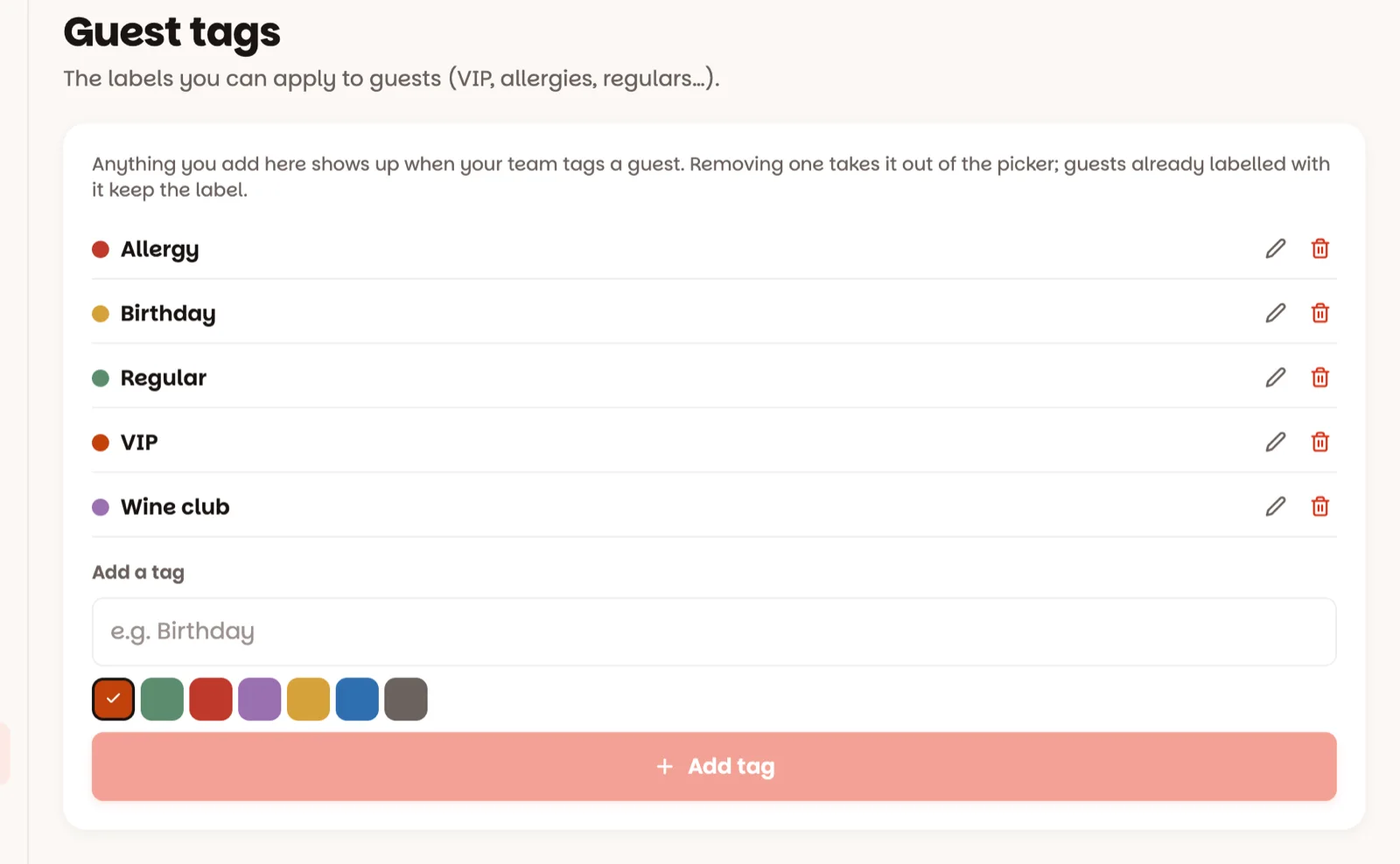
The labels your team puts on guests — VIP, Regular, Allergy, Birthday.
1 minManagers & owners
In short
Settings ▸ Guest tags → type a name → pick a colour → Add tag.
Tags are how the guest book remembers what matters. A guest tagged VIP gets a VIP badge on their reservations and in the guest book; a Birthday tag explains the candle on table 12.
1
Open Settings, then Guest tags
This is the list your team picks from when they tag a guest. Each tag has a name and a colour. A new restaurant starts with none.
2
Add a tag
In Add a tag, type a name — "Birthday", say — pick a colour, and tap Add tag. It's in the tag list on every guest's page straight away.
3
Rename or remove a tag
The pencil renames or recolours a tag. The red bin removes it from the list: tap it, then Tap again — it goes for the whole team at once. Guests who already have the tag keep it.
The VIP badge comes from a tag named exactly VIP. Rename it and new VIPs lose their badge — so keep that one as it is.
Good to know
Your team puts tags on guests from their page in Guests (how) — this screen only manages the list.
A tag is a label, not a warning: put allergy details in the guest's notes too.
Adding and changing tags is for managers and owners; staff see the list.
An owner can switch tags off entirely under Settings ▸ Features.