Dinesty Host· guidesAll guides
setting up your restaurant

set up your restaurant, start to finish.

New to Dinesty Host? The order to do things in, from an empty account to a first service.

2 minManagers & owners

In short

Profile → opening hours → services → floor plan → timing → team. About an hour, once.

Everything below lives under Settings (and Floor plan). Do it once, in this order, and your first service runs itself.

1

Check your restaurant's details

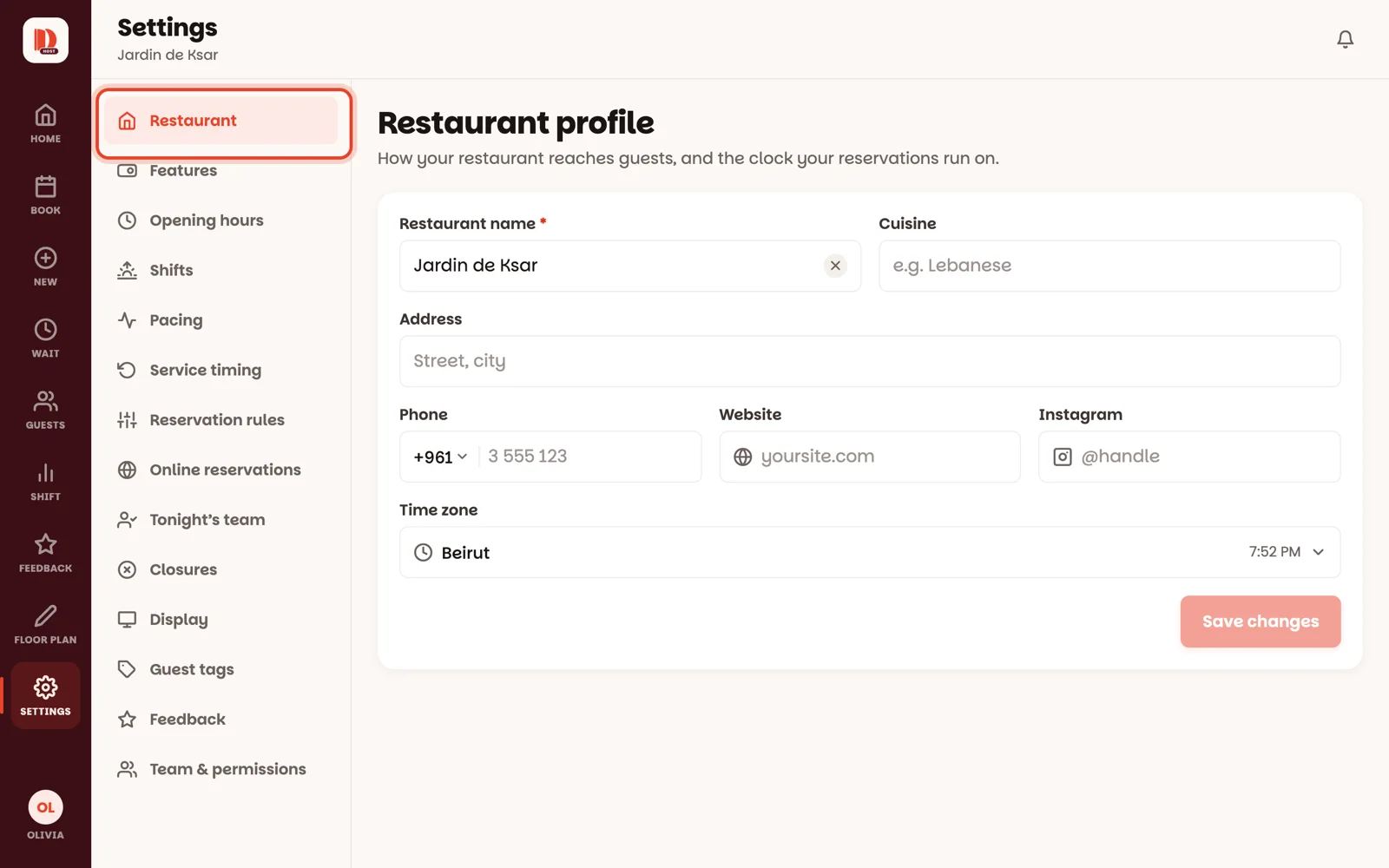
Settings: the list of sections on the left

Open Settings and tap Restaurant, the first section on the left: name, cuisine, address, phone, website, Instagram — and the time zone, which every reservation time runs on. Tap Save changes.

2

Set your opening hours

When the doors are open, day by day. Set opening hours

3

Set your services

Lunch, Dinner — when guests can reserve, and on which days. Set your services

4

Draw your floor

Every table, bar and plant, room by room. Design your floor

5

Tell the app how long tables take

How long parties stay, and how early a table is held for a reservation. Tune service timing

6

Invite your team

Managers and hosts get their own accounts. Invite your team

When you're ready for more